
Moving To an Apple Mac
Why Would I Move to An Apple Mac?
Pros:
- Apple is the other major player out there. Yes, it is true that, by moving to an Apple machine, you are starting to buy into the Apple infrastructure, and Apple controls its infrastructure more tightly than does Microsoft. For example, Apple does not allow third-parties to build Mac-compatible machines.
- Apple is often cited as being easier to use than Windows. Perhaps it is, but in my experience this is somewhat over-stated. There are areas in the Apple user experience that produce frustration, just as in Windows. On balance, I would say that Apple is better, but not by much.
- The Apple infrastructure is just as capable as that of Microsoft. In fact, probably more so, as a result of Apple maintaining strong control over its environment. There is no doubt that Apple products (iPhone, iPad, Apple Watch, iMac, MacBooks, Apple TV, etc.) work together better than most. The integration is remarkable.
- I find the Apple update model for its computers to be much more friendly than Microsoft’s. And they provide a better sense of how long an update will take.
- There is no doubt that Apple products are superbly designed. They look great, perform well, and have long been reviewed as the most reliable, best supported computers on the market. However, they are expensive. But, I think if you compared the cost per year of service, they would come out well in comparison with Windows systems.
- Microsoft does a lot of ‘upselling” (def: To persuade a customer to buy something additional or more expensive.), and advertising (it’s getting to be out of control), I see little evidence of that in my daily use of my Apple machine (an iMac).
- As far as I am aware, Apple has not resorted to forcing people to move to their next MacOS version, nor forced them to buy a new computer, “or else”. Apple does indeed stop providing updates for older machines, just as Microsoft does.
NOTE: I hasten to point out that I only own two Apple products:
- An iMac: my main workhorse computer, which I’m just about to replace; it’s getting a little long in the tooth – it’s an Intel-based iMac, which is becoming a bit of a dinosaur (although it still performs well), and
- An old, small iPad
I do not own, nor do I plan to buy an iPhone, an Apple Watch, an Apple TV box, nor any other Apple product, besides an Apple computer (I plan on updating to a Mac Mini). I can easily live without the Apple product integration, and their hardware is quite expensive (although they do have excellent quality).
Cons:
Stubbornness, Fear
For Windows users, especially long-standing ones, it can be scary to move to another environment.
Some time ago, I moved from Windows, as my main computer, to an iMac, and I didn’t find it difficult at all. Obviously, some re-learning was involved, learning the new system’s conventions and quirks, but it wasn’t a great obstacle. Of course, I have been around computers for decades, so learning new computer-related stuff tends to be easier for me.
When my lovely wife’s Windows machine came to need replacement, it turned out to be at the same time as the switch from Windows 7 to Windows 8. I realized that she would have to contend with a different environment even if she stayed with Windows (Windows 8 was annoyingly different from Windows 7), so I managed to persuade her that moving to an Apple (an iMac) would make sense. With a little guidance from me, she has learned the MacOS user interface relatively easily, and she is a computer newbie. You can make the transition, too!
If you need convincing, watch this video:
.. and no, it’s not true that everything is different; I just might seem that way, because a number of little things are different, including the keyboard layout (but only slightly).
I definitely agree with him when he says that he, and many people he knows who have gone through this transition, say “Why didn’t I do this long ago?”.
Why Everyone’s Finally Switching to Mac in 2025
How Can I Use My App(s) on a Mac?
Another major concern among Windows users considering a move to Apple is the availability of apps that they use on Windows, and are afraid that won’t be available on Apple Macs.
- Often, Windows-specific apps are a result of users choosing those apps long ago, when portability wasn’t as much of an issue as it is today, and the ramifications are only now becoming apparent. Plus, its common for users to have stayed with long out-of-date versions – not a good idea at any time. The ideal solution for these apps is to move to a server-based equivalent version, where the user interface is a browser. Then, it doesn’t matter what platform you’re on – all of those platforms have browser support.
- Among the principal concerns is whether Microsoft Office will run in the Apple environment.
There are several responses to this:- Yes, Microsoft Office is available on Macs – see here. But you might have to pay for the MacOS version.
- You can move to equivalent applications on your Mac, all of which come standard on MacOS, for free.
While they have different user interfaces from Microsoft Office apps, it’s a small price to pay, and they are very capable. Plus, they can import from and to Microsoft Office formats:- Word: Pages
- Excel: Numbers
- PowerPoint: Keynote
- Outlook: Apple Mail
- Personally, I have switched to using Google Docs, Sheets, Slides, etc. All free, easy to use, and they use Google Drive for storage, which has a huge advantage of being server-based. You can avoid having multiple potentially inconsistent copies of documents flying around via email.
- You could switch to one of several Microsoft Office alternatives. One prime contender is LibreOffice, which is powerful, free, installable on a variety of different platforms, and has a large number of components:
- Writer: A word processor for creating documents.
- Calc: A spreadsheet program with a wide range of functions.
- Impress: A presentation program with tools for creating slides, animations, and 3D scenes.
- Draw: A vector graphics editor for creating drawings and flowcharts.
- Base: A database management program that works with other LibreOffice applications.
- Math: A tool for creating and editing mathematical formulas
Here is a video that gives you an overview of the many free alternatives to Microsoft Office. They are portable. There’s no longer any real excuse to lock yourself in to just Microsoft Office.
Best 5 Free Alternatives to Microsoft Office in 2025
Cost
Another concern for typical Windows users considering switching to a Mac is cost. The usual assumption is that Macs are really expensive. While that’s true of many Macs, you may be surprised at how reasonably priced some Macs can be.
See below, in the discussion of Mac hardware choices.
Apple Hardware Choices
Apple has a range of computers on offer, ranging from surprisingly inexpensive to very expensive.
The following are examples of the least expensive models:
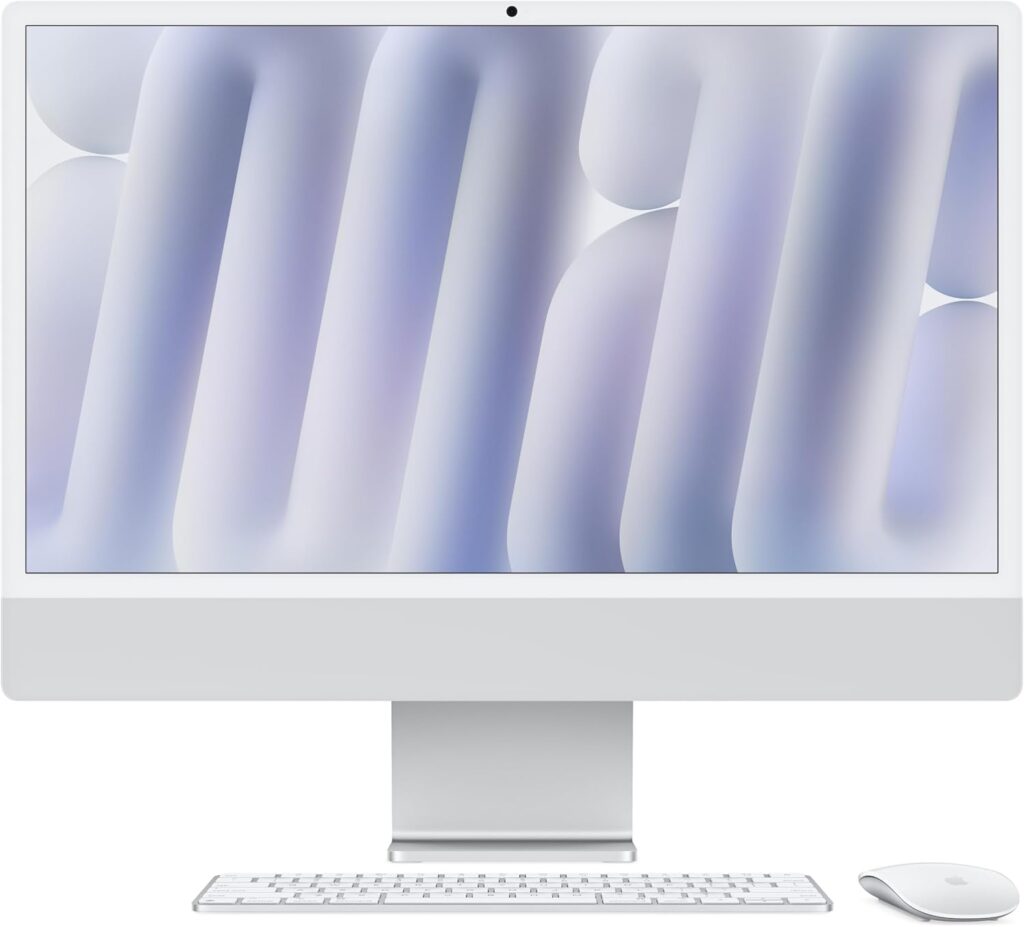
iMac
Apple 2024 iMac All-in-One Desktop Computer with M4 chip with 8-core CPU and 8-core GPU: Built for Apple Intelligence, 24-inch Retina Display, 16GB Unified Memory, 256GB SSD Storage;
$1,149.00 on sale at Amazon
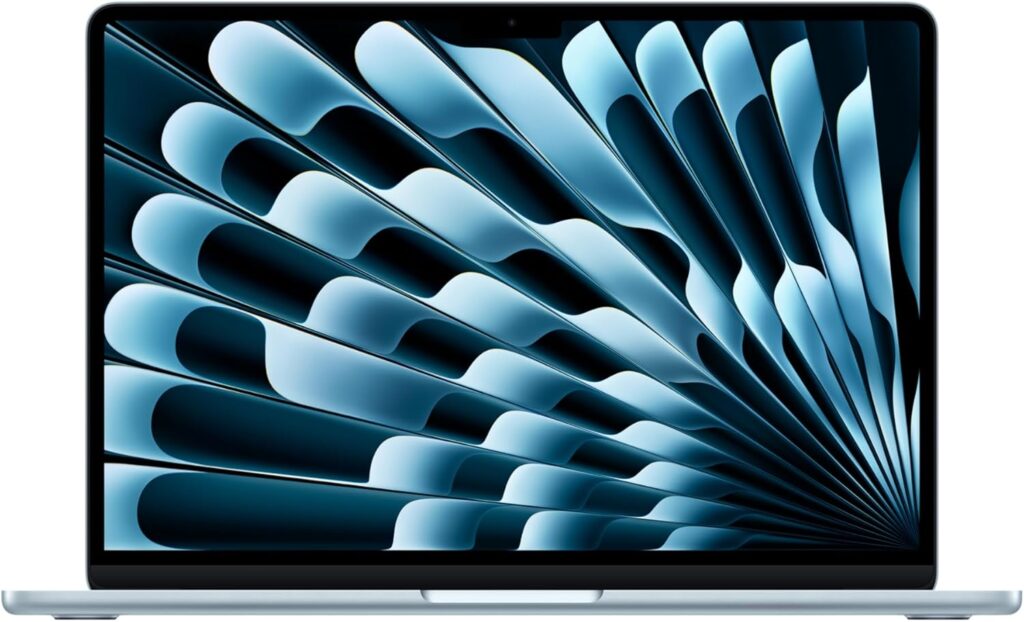
MacBook Air
Apple 2025 MacBook Air 13-inch Laptop with M4 chip: 13.6-inch Liquid Retina Display, 16GB Unified Memory, 256GB SSD Storage, 12MP Center Stage Camera, Touch ID;
$899.00 on sale at Amazon
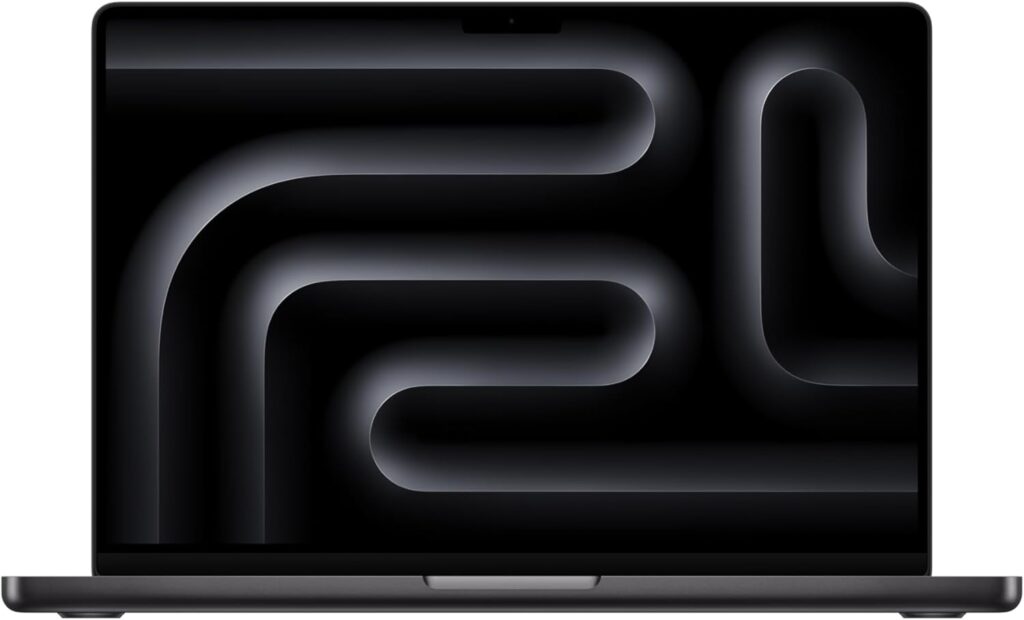
MacBook Pro
Apple 2024 MacBook Pro Laptop with M4 chip with 10‑core CPU and 10‑core GPU: 14.2-inch Liquid Retina XDR Display, 16GB Unified Memory, 512GB SSD Storage;
$1,389.00 on sale at Amazon
Mac Mini
Apple 2024 Mac mini Desktop Computer with M4 chip with 10‑core CPU and 10‑core GPU: 16GB Unified Memory, 256GB SSD Storage, Gigabit Ethernet.
$569.48 on sale at Amazon
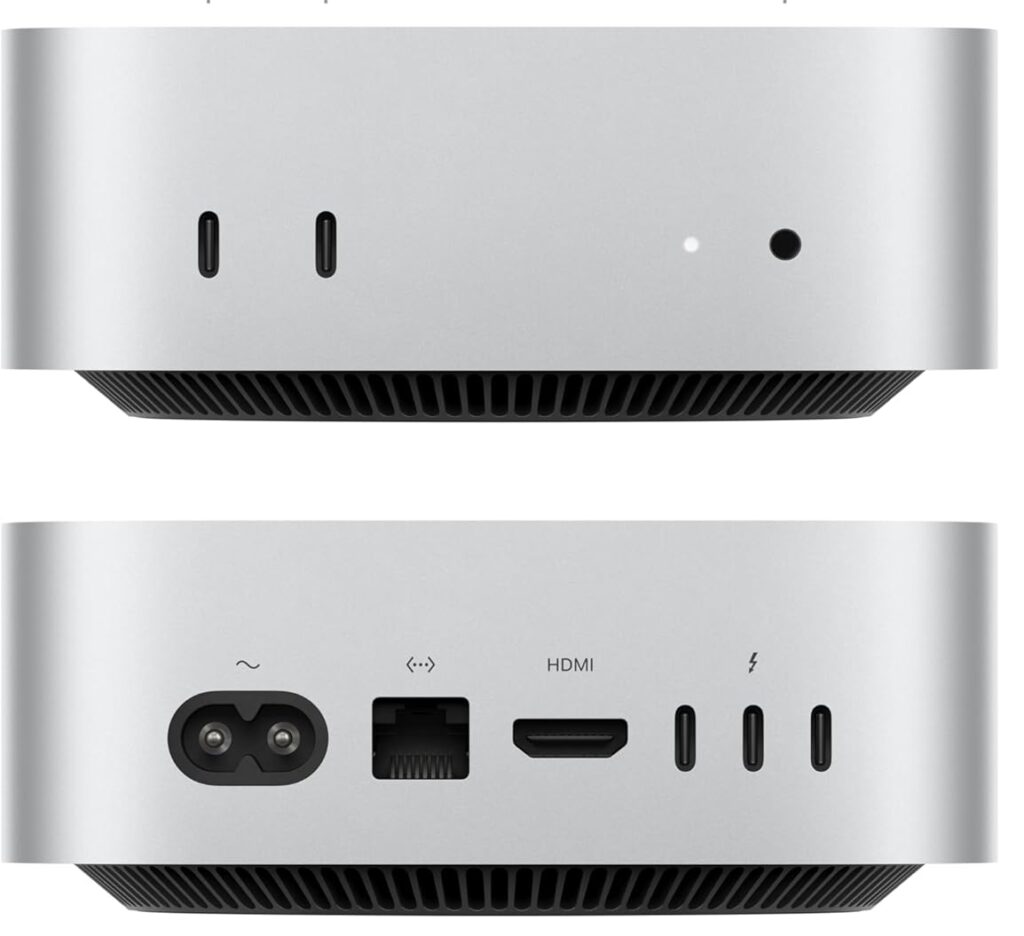
The above specs and prices were captured today (Oct 14, 2025). Of course, prices will vary over time, sales will come and go, and prices will depend on configuration (more memory, more disk space, etc.)
Are you surprised at these prices? Especially for the Mac Mini?
I consider the Mac Mini to be a bargain, especially if you already have a monitor, mouse and keyboard. Bluetooth mice and keyboards and those with a USB plug-in doo-hickey are supported. And its performance is legendary.
Even the MacBook Air is competitive among available laptops, especially if you can find a good sale; they come in 13-inch and 15-inch models. And MacBooks are the highest rated laptops in the world, for both performance and reliability.
The Apple M4 chip is amazing!