|
|
|
| Recent versions of Java come with a Java Control Panel
"applet". On Microsoft Windows, go to the Control
Panel and you should see something like this (this example is Windows XP):
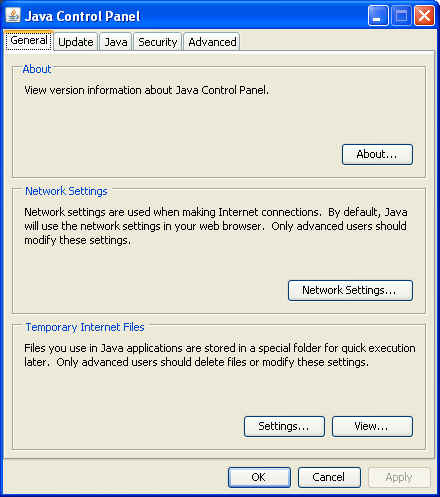
Double-click on the Java icon, and you will see something like the following:
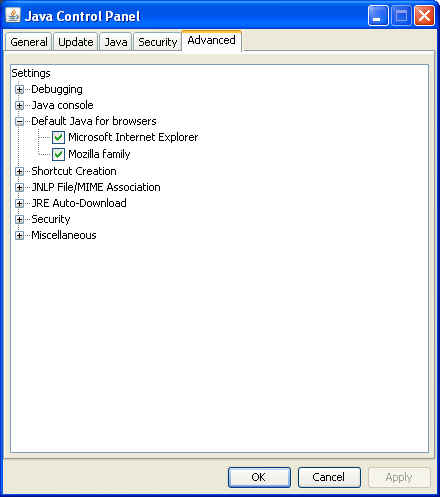
If you go to the Advanced tab, and expand the "Default Java for browsers" item, you can see how it can set things up for your appropriate set of browsers. Set the checkboxes for the appropriate browsers:
|
|
This page was last modified on 02 October, 2007 |