|
|
|
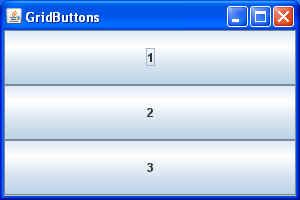
| If we changed the line of code in the previous example from: setLayout( new GridLayout(1, 3) ); // rows, cols to: setLayout( new GridLayout(3, 1) ); // rows, cols The the result would look like this:
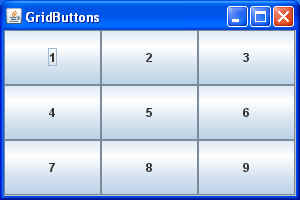
and, of course, if we changed it to: setLayout( new GridLayout(3, 3) ); // rows, cols and added the appropriate number of additional buttons, we would get:
Note: The exact result depends on the container's For details of how to use the rows and columns specifiers in GridLayout, see the API docs for GridLayout.
|
|
This page was last modified on 02 October, 2007 |