|
|
|
|
As before, in order to run the example, we have to do the following steps:
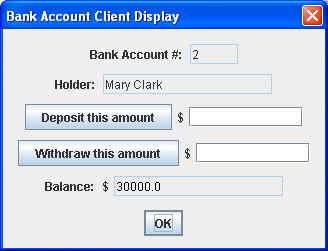
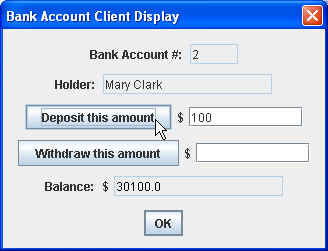
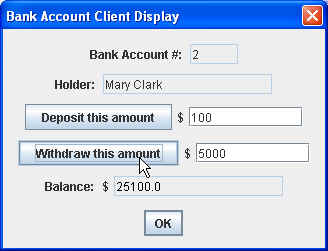
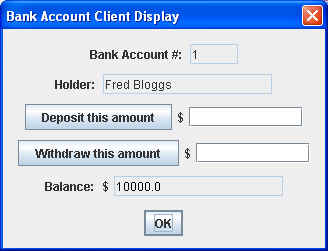
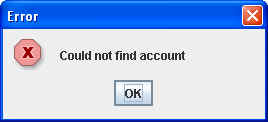
Note: Again, the order in which we perform these steps is important! Now, we can enter a name by which the bank account client can identify the bank account remote object. Remember we have two accounts, one with a name Fred, and the other with a name Mary. As shown above, if we enter the name Mary, we'll see a second window come up: We can then deposit some money into Mary's account: and withdraw money from her account: Then we can dismiss the window (actually, a dialog box) by clicking on the OK button, which will allow us to enter another account name: and thereby bring up another dialog box with Fred's account details: where we can also deposit and/or withdraw money from that account. On the other hand, if we enter an account name that doesn't exist: we get the following displayed: In this case, our client also does a stack trace, which looks something like: javax.naming.NameNotFoundException: Bozo
at com.sun.jndi.rmi.registry.RegistryContext.lookup(RegistryContext.java:95)
at com.sun.jndi.toolkit.url.GenericURLContext.lookup(GenericURLContext.java:185)
at javax.naming.InitialContext.lookup(InitialContext.java:351)
at rmiClient.BankAccountClient.findAccount(BankAccountClient.java:58)
at rmiClient.BankAccountClient.access$000(BankAccountClient.java:25)
at rmiClient.BankAccountClient$1.actionPerformed(BankAccountClient.java:42)
...
|
| The page was last updated February 19, 2008 |