|
|
|
|
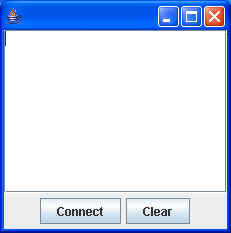
This time, because we created our own registry, we did not need to run the rmiregistry utility ahead of time. When you run the TimeServer, assuming all goes well, you should see something like: Setting java.security.policy ... Setting SecurityManager ... Creating registry...created [Re]binding to registry... Binding done Waiting for Client requests When you run the client (or multiple clients), you will see: Setting java.security.policy ... Setting SecurityManager ... and then a window comes up:
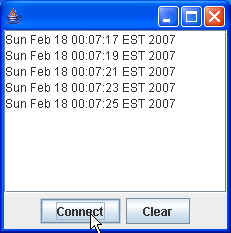
When you click on the Connect button, you should see the following output from the client: Looking up TimeService at: rmi://localhost:2002/TimeServer Exporting the TimeMonitor object We are registered! and the display should update itself every 2 seconds or so:
and the server should display: Client registering a TimeMonitor Timer Started |
| The page was last updated February 19, 2008 |